The HP Sprocket Studio Plus 4x6 Wireless Instant Photo Printer review is for smartphone users who want to turn digital snapshots into larger prints at home.
Its Wi-Fi connection, editing app, and creative photo options make it especially appealing for people who like to personalize pictures before printing.
Sprocket Studio Review Summary
The quick verdict
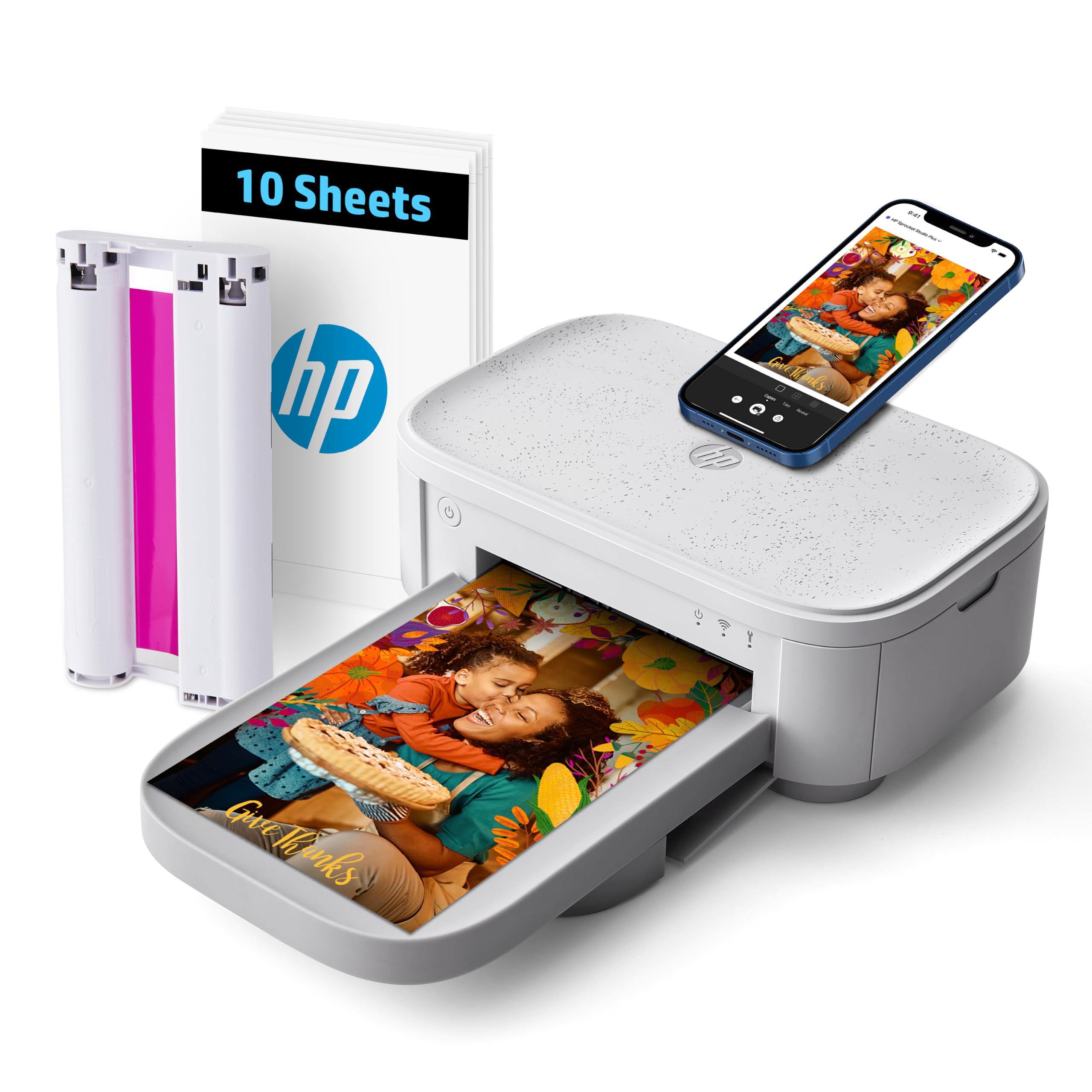
800+ ratings
Read Amazon ReviewsHP Sprocket Studio Plus
A fit for smartphone users who want customizable 4×6 prints for albums, displays, and creative projects at home.
- Prints 4×6-inch color photos directly from a smartphone.
- Uses Wi-Fi and the HP Sprocket app to connect a mobile device to the printer.
- Uses dye-sublimation printing for photo output.
- Provides app customization with stickers, frames, filters, and other creative options.

Pros
- Standard 4×6 prints work well for conventional photo albums and frames.
- App-based editing lets users add visual touches before printing.
Consider before buying
- The initial 10-sheet supply is limited if you plan to print frequently or make several sets.
- The workflow is oriented around a smartphone and the HP Sprocket app, so buyers should confirm that setup suits their preferred devices.
Read the full review summary
The Sprocket Studio Plus is designed around straightforward phone-to-photo printing: connect through the HP Sprocket app over Wi-Fi, customize an image, and print it as a 4×6 photo.
Dye-sublimation printing and the supplied tear-resistant, smudge-proof, waterproof paper are aimed at creating finished pictures that can be handled and kept for years.
Its appeal is strongest for home users who want photo prints for albums, frames, gifts, or creative projects, along with app tools for collages, photo-booth layouts, and photo IDs.
The tradeoff is a focused setup: this is a smartphone-oriented photo printer, and the package includes only 10 sheets and a cartridge, so frequent printing means planning for additional compatible supplies.
The buying factors
Sprocket Studio Scorecard
Editorial scores reflect listed features and buyer fit; they are not laboratory measurements or customer ratings.
Print format
Its dedicated 4×6 output suits standard photo prints for albums and frames.
Phone workflow
Wi-Fi connection through the HP Sprocket app keeps the process centered on a smartphone.
Creative editing
The app supports stickers, frames, filters, collages, photo-booth creations, and photo IDs.
Print handling
The included paper is described as tear-resistant, smudge-proof, and waterproof.
Included supplies
The package starts with 10 sheets and a cartridge, a modest amount for repeated projects.
Home suitability
The compact home-use design and wireless printing suit casual personal photo projects.
Key Features and Specifications of Sprocket Studio
- Prints 4×6-inch color photos directly from a smartphone.
- Uses Wi-Fi and the HP Sprocket app to connect a mobile device to the printer.
- Uses dye-sublimation printing for photo output.
- Provides app customization with stickers, frames, filters, and other creative options.
- Supports photo projects including collages, photo-booth pictures, and photo IDs.
- Includes 10 sheets and a cartridge; the paper is described as tear-resistant, smudge-proof, and waterproof.
Pros and Cons of Sprocket Studio
Pros
- Standard 4×6 prints work well for conventional photo albums and frames.
- App-based editing lets users add visual touches before printing.
- Wi-Fi phone printing avoids making a computer the center of the workflow.
- The included paper is designed to withstand common handling and moisture.
Consider before buying
- The initial 10-sheet supply is limited if you plan to print frequently or make several sets.
- The workflow is oriented around a smartphone and the HP Sprocket app, so buyers should confirm that setup suits their preferred devices.
- The description does not specify the per-print cost or ongoing supply availability; check current compatible paper and cartridge options if you expect regular use.
Who Should Buy Sprocket Studio?
Good fit
Consider the Sprocket Studio Plus if you want a home photo printer that makes familiar 4×6 prints from phone pictures.
The app’s stickers, frames, and filters add an easy creative step for memory books, event photos, and personal gifts.
It is also a reasonable choice if print durability matters in your intended use: its paper is described as tear-resistant, smudge-proof, and waterproof.
Before buying, think about how many photos you expect to make and check the cost and availability of compatible paper and cartridges for ongoing use.
Who should skip it
Look elsewhere if your main priority is a large initial paper supply or you need a printer that works independently of a smartphone app.
The Sprocket Studio Plus is presented as a phone-connected home photo printer, with 10 sheets included.
If you want to print in formats beyond 4×6, verify that your intended paper size and project fit before choosing it; the described output is focused on 4×6 photos.
How the HP Sprocket Studio Plus Fits Home Photo Printing
A direct route from phone image to print
The design puts the smartphone at the center of the experience. Wi-Fi and the HP Sprocket app handle the connection and editing, which can make casual printing feel approachable if your pictures already live on your phone.
Buyers should check that they are comfortable using the app as part of each print session.
4×6 output for familiar photo projects
A 4×6 print is a practical size for conventional albums and many display frames.
That focus helps make the printer’s purpose clear, while buyers planning smaller keepsakes, larger formats, or other media should confirm their project requirements before settling on a dedicated 4×6 device.
Personalization is part of the workflow
Stickers, frames, and filters let users shape a picture before it leaves the printer.
The listed collage, photo-booth, and photo-ID options add variety for family gatherings or personal projects, though the main attraction remains producing edited smartphone photos as physical prints.
Plan for supplies beyond the starter pack
Ten included sheets are enough to get started, but they can go quickly when experimenting with edits or printing a batch of event pictures.
Since regular use depends on replenishing paper and cartridges, checking compatible supplies and their ongoing cost can help you judge whether the convenience fits your printing habits.
Alternatives to Sprocket Studio
Laminated-print alternative

19,000+ ratings
Read Amazon ReviewsKODAK Dock Plus 4PASS 4×6 Photo Printer
Choose the Sprocket Studio Plus if its app-led creative tools and Wi-Fi workflow better match how you prepare photos.
The KODAK Dock Plus may suit buyers who value a phone dock, Bluetooth connection, and a larger included paper supply.
- The KODAK Dock Plus makes 4×6 prints over Bluetooth and includes an integrated phone dock that can charge a compatible phone while printing.
- Its 4PASS process adds a clear protective lamination layer, and the package description lists 50 sheets.
- The HP Sprocket Studio Plus emphasizes smartphone editing through its app, with Wi-Fi printing and creative options such as stickers, frames, and filters.
Desktop Photo Printers alternative
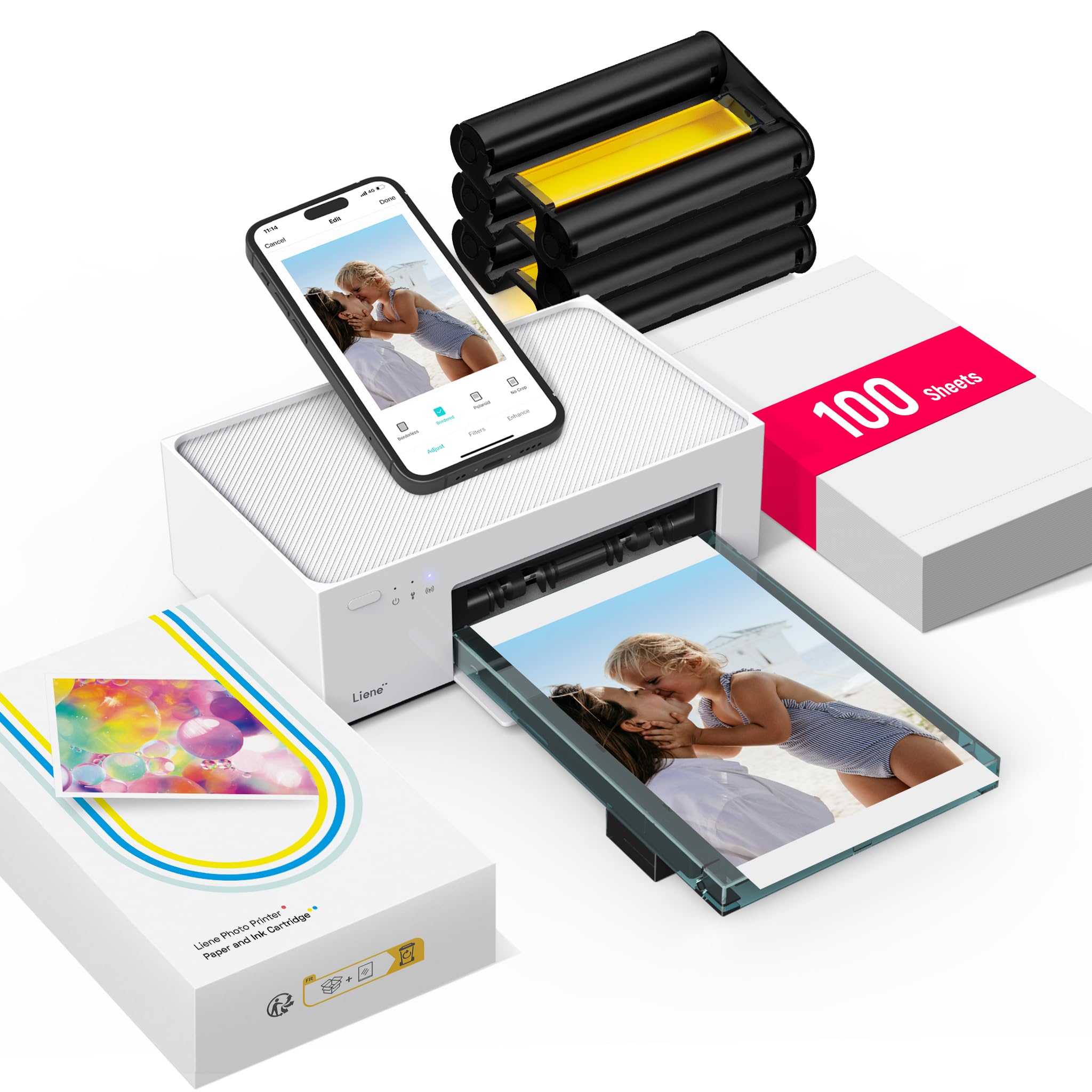
4,000+ ratings
Read Amazon ReviewsLiene M100 4×6 Photo Printer
The Sprocket Studio Plus is a fit for buyers drawn to its specific creative modes and HP app workflow.
The Liene M100 is worth comparing if a larger included paper supply, hotspot connection, or shared access from several devices is more useful for your household.
- The Liene M100 includes 100 sheets and three color cartridges, uses a built-in Wi-Fi hotspot, and connects with up to five devices simultaneously.
- Its app supports borders, filters, and brightness and contrast adjustments.
- The HP Sprocket Studio Plus provides 4×6 smartphone printing, Wi-Fi setup through its app, and editing options including stickers, frames, and filters.
Is Sprocket Studio Worth It?
The HP Sprocket Studio Plus is worth considering if you want a home-focused way to turn smartphone pictures into personalized 4×6 prints.
Its app tools, Wi-Fi workflow, and paper designed to resist everyday handling make it a strong match for albums, displays, and casual creative projects.
The decision comes down to your printing routine: the included 10 sheets are a starter supply, and regular use calls for planning around compatible paper and cartridges.
Check those ongoing supplies and make sure the phone-and-app workflow fits before buying.
Your review at a glance
800+ ratings
Read Amazon ReviewsHP Sprocket Studio Plus
A fit for smartphone users who want customizable 4×6 prints for albums, displays, and creative projects at home.
- Prints 4×6-inch color photos directly from a smartphone.
- Uses Wi-Fi and the HP Sprocket app to connect a mobile device to the printer.
- Uses dye-sublimation printing for photo output.
- Provides app customization with stickers, frames, filters, and other creative options.